MK SYSTEM / DOCUMENTATION
YT Sheet Vimeo Channel
A YT Sheet Vimeo Channel source uses a public-data access token to build a dataset from a Vimeo channel.
Location: WordPress admin → YT Sheet → Add New Source → Source type → Vimeo Channel. This Source builds a dataset from a public Vimeo channel.
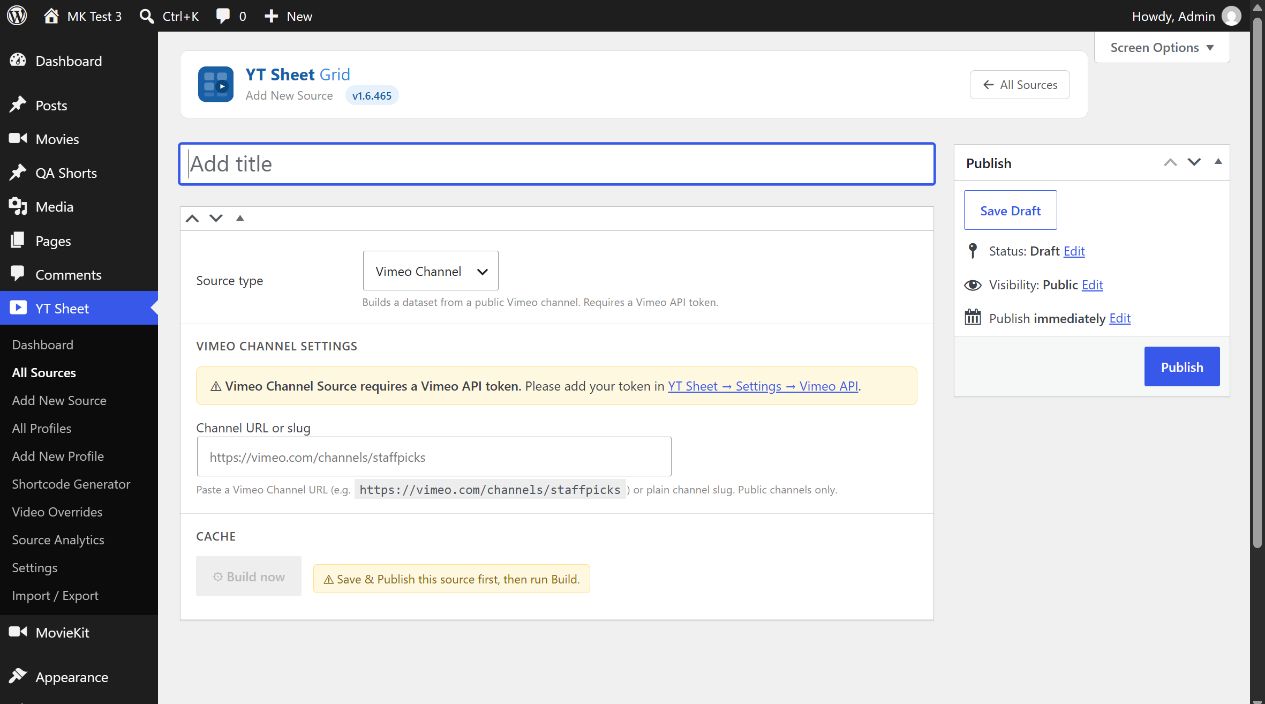
- Create a Vimeo API app and a token that can read public data by following Vimeo’s token guide. Enter the token in YT Sheet → Settings → Advanced Settings → Vimeo API.
- Enter Channel URL or slug, for example a
vimeo.com/channels/…URL or its plain slug. Use a public channel. - Publish the Source and select Build now. The channel is resolved on the first build. A successful build can show the resolved channel ID, built time and item count.
- After changing the input, select Update before Rebuild. Clear cache removes the saved dataset.
The Cache area shows errors such as missing token, invalid channel or no public videos. After adding a valid token, build the Source and review the result.